Show the Computer, Home, and Trash desktop icons
@mindaiict
·
26.7.08
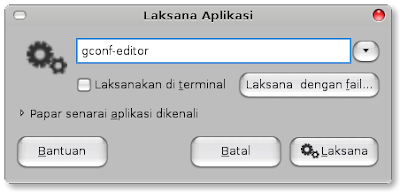
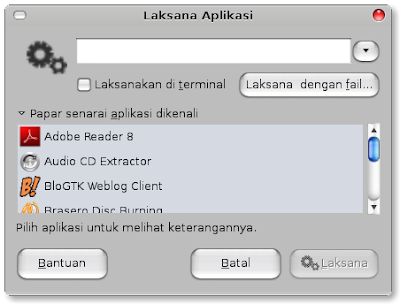
Open the Configuration Editor (Alt+F2), type gconf-editor.
Enter.
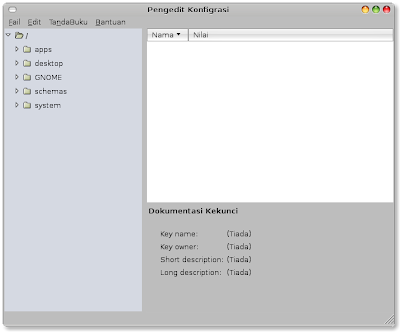
Choose apps->nautilus->desktop.
Tick the box beside computer_icon_visible, home_icon_visible, and trash_icon_visible. The changes take effect immediately.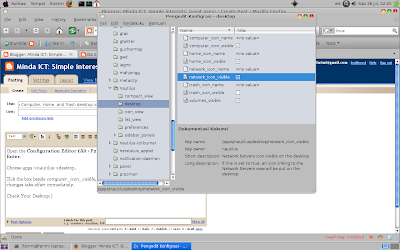
Check Your Desktop:)![]()

![]()
![]()
Enter.


Choose apps->nautilus->desktop.

Tick the box beside computer_icon_visible, home_icon_visible, and trash_icon_visible. The changes take effect immediately.

Check Your Desktop:)
Loading image
Click anywhere to cancel
Image unavailable
👍
👁